
Multiblock Doors
Introduction
Multiblock doors support up to 9 x 9 doors, with sliding or swing variations.
Crafting
This feature require a hinge item (tool) to create multiblock doors.
Check out Brooke's video guide on here to see the process in audio-visual format.
Step 1: Build A Door "Template"
- Can be up to 9 x 9 blocks in size, and 1 block in depth.
- Can use any full blocks, including transparent blocks like glass or screens.
- Cannot use partial blocks (ladders, panes, bars or trapdoors)
unless-theyreadhaveStepa3fullforblockmorevariant.information! - Cannot have any "cutouts" (missing blocks) - they must be square or rectangular.
Step 2: Select
Right Click one corner with a hinge in hand, then Right Click the opposite corner.
- This make a white visual outline of the selection.
- If the selection is a valid size and shape, it will open a GUI (menu).
Step 3: Customize
Open Method
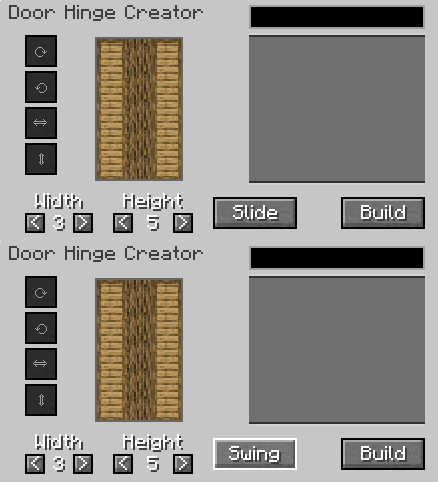
Left Click "Slide" to toggle hinge options.
Slideopens by moving to the side (closed, half open, fully open).Swingopens by moving 90 degrees (closed, open out, fully open/folded back).
Block Rotations
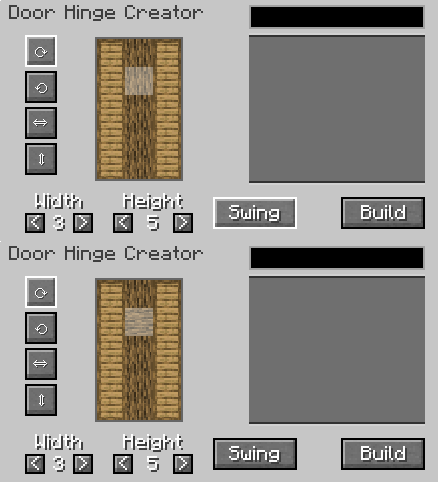
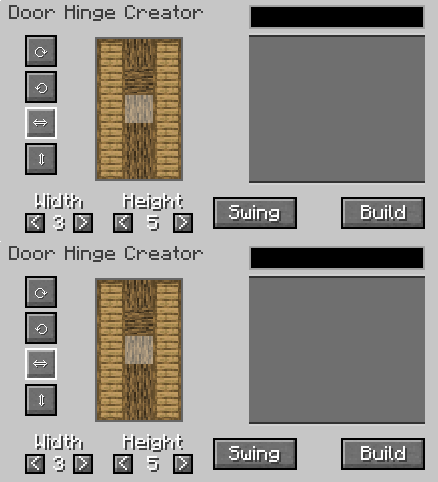
Left Click blocks in the preview window to modify them.
- Use the circular arrow icons to rotate the
x yaxis texture (ie for logs). - Use the straight arrow icons to flip the texture vertical or horizontal.
Custom Textures
More Information: SWEM Compatibility
Star Worm Equestrian Mod includes 150 custom bar textures specifically for multiblock doors.
The custom bars are NOT items or blocks in the game. The textures are stored in assets > swem > textures > block
Tip: You can use any textures from the mod, including stall door panels to make your own custom sized stall door designs!
Search: bars_flower
_light
_medium
_dark
Friendly
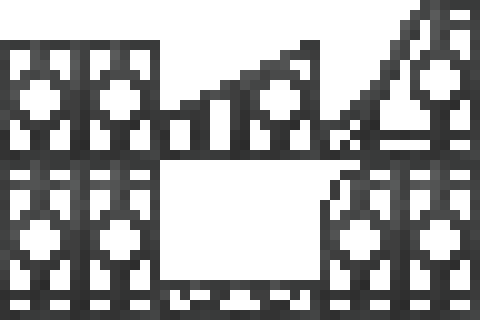
Search: bars_friendly
_light
_medium
_dark
Horizontal

Search: bars_hori
_light
_medium
_dark
Vertical
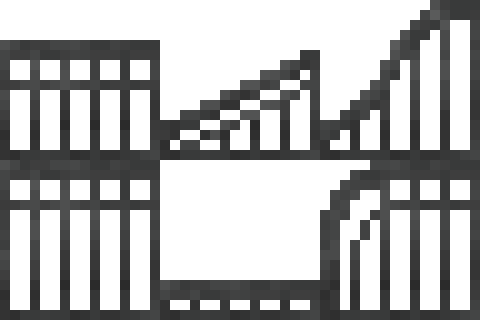
Search: bars_verti
_light
_medium
_dark
Medieval
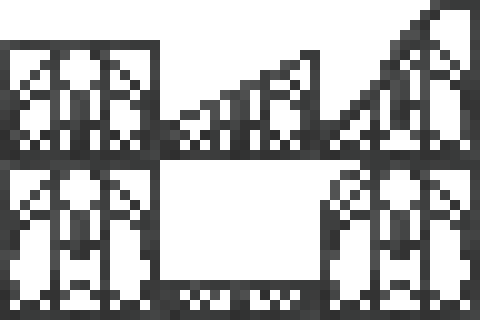
Search: bars_flower
_light
_medium
_dark
Step 4: Build
Left Click "Build" to create the door and close the GUI.
- Places a single door item in the player's inventory.
- Creating a door does not consume the template blocks.
Placing Doors
Doors show a transparent overlay when held to help guide placement. Right Click to place the door.
Stand on the side you want the hinge to be:
- If you want the door to slide or open to the right, stand on the right.
- If you want the door to slide or open to the left, stand on the left.
Using Doors
Doors open in a set sequence - open, half open closed. Use Shift to reverse the sequence (ie open, closed, half open).
Right Click a door to cycle to the next sequence.
SWING / SLIDE DOORS ITEM COMPARISON
DOOR TOOLTIP INFO
Durability
Hinges lose 9 durability per door and are depleted after 27 uses.
Known Issues
You can report any mod issues to our bugs forum on Discord - please check for duplicate reports first!
Changelog
View Changes
This is not a complete list of changes or features. It is a log of wiki-related version information and may be outdated.
| MC Version | Release | Notes |